 Capydocs
Notion meets Obsidian meets Windows Explorer.
All your content privately in one place: your own local files.
Visualize, find, add metadata, edit, transform and use local AI with your files locally.
Capydocs
Notion meets Obsidian meets Windows Explorer.
All your content privately in one place: your own local files.
Visualize, find, add metadata, edit, transform and use local AI with your files locally.
Capydocs is available for Windows and macOS. Android and iOS support is coming soon.
To install Capydocs on macOS, you can open a terminal and execute the following command:
curl -fsSL http://id.capydocs.com/install_capydocs_mac.sh | bashcurl -sL https://id.capydocs.com/downloads/windows -o "%USERPROFILE%/Downloads/capydocs-setup.exe" && "%USERPROFILE%/Downloads/capydocs-setup.exe"
Access your documents even without an internet connection.

Keep everything in a local folder that acts as your vault.

Categorize files locally using CapyAI.

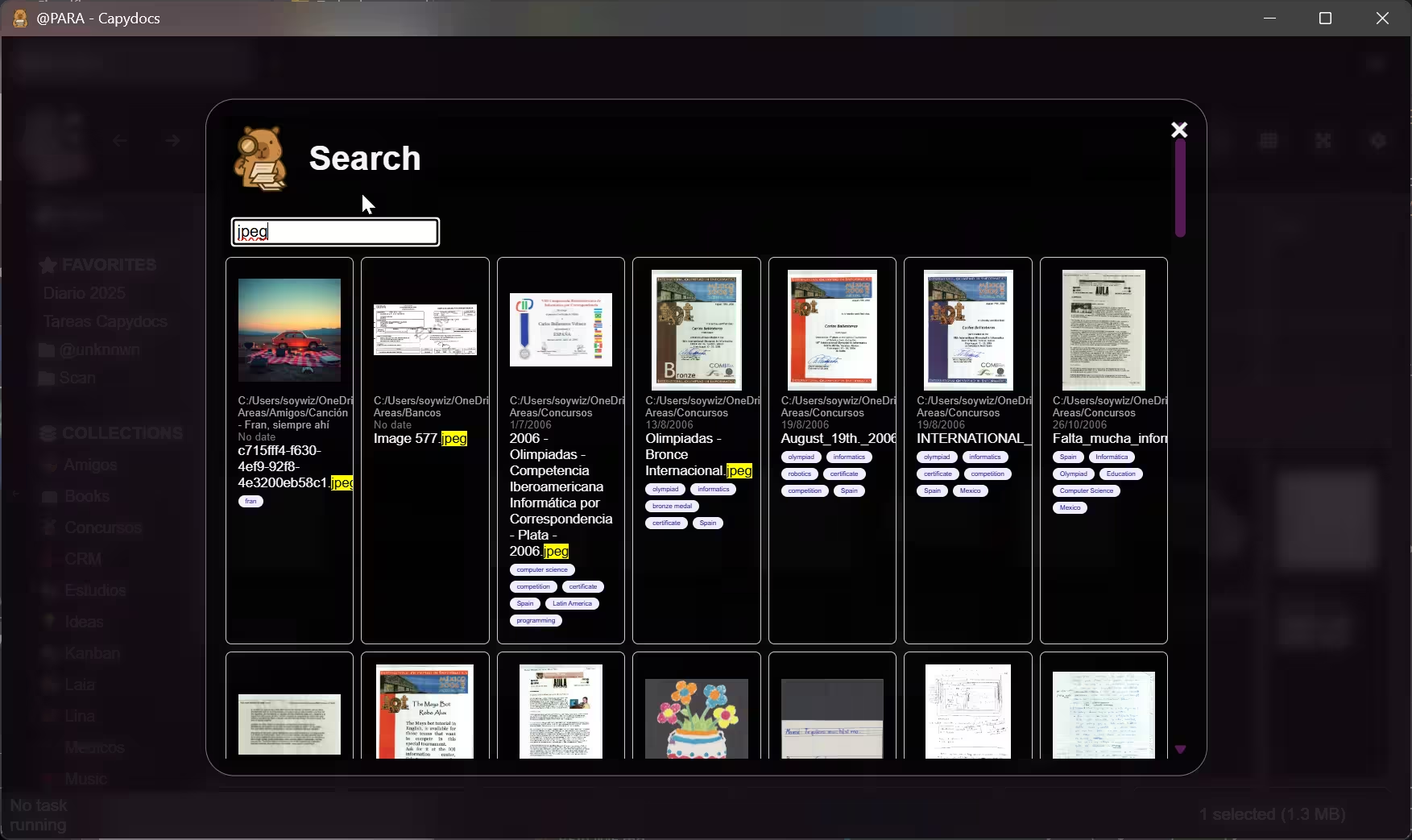
Find documents and their contents quickly.

Mark important parts so you never lose track.

Preview your documents directly in Capydocs.

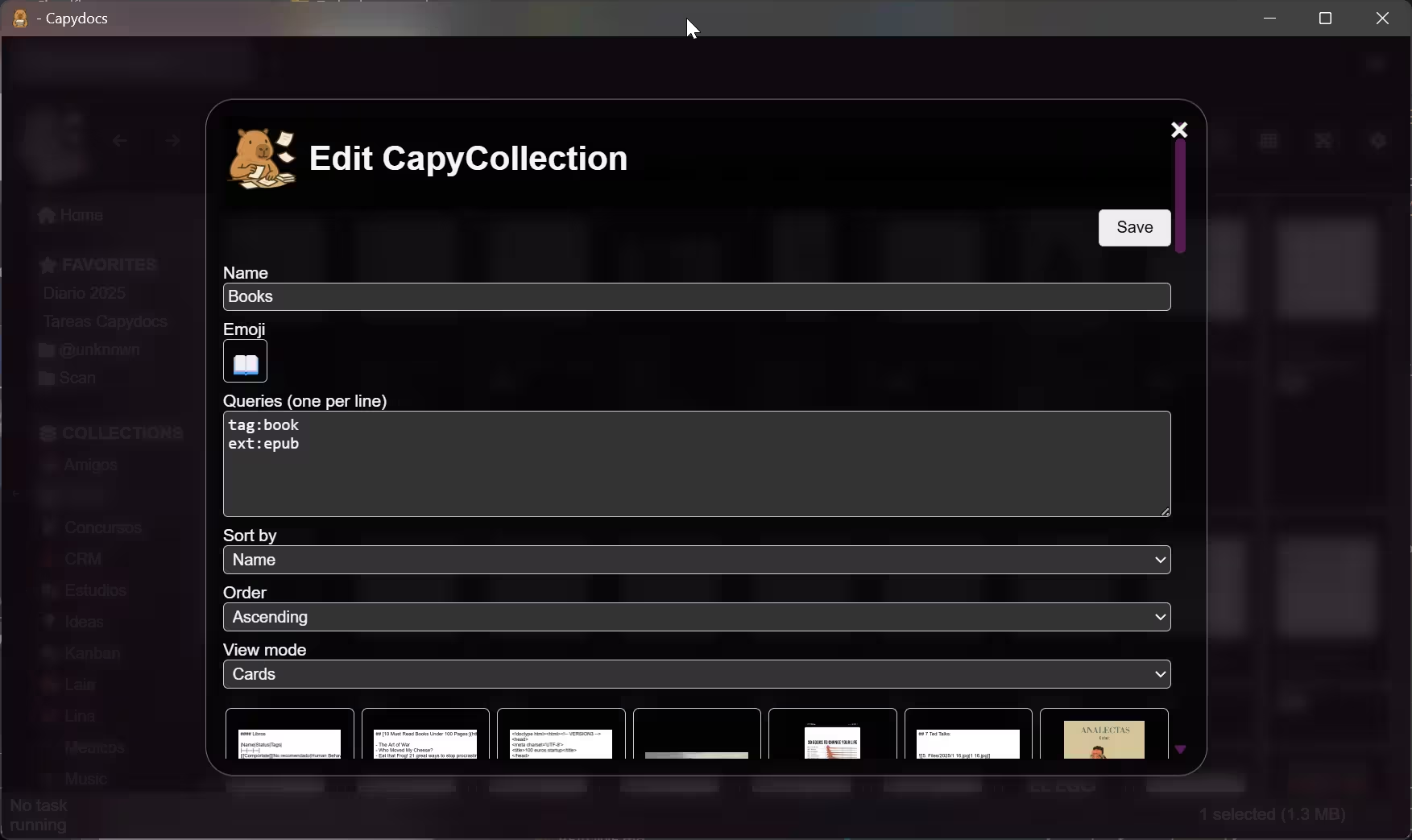
Group related files with custom queries.

Pin frequently accessed files for quick opening.
Open multiple documents at once using tabs.

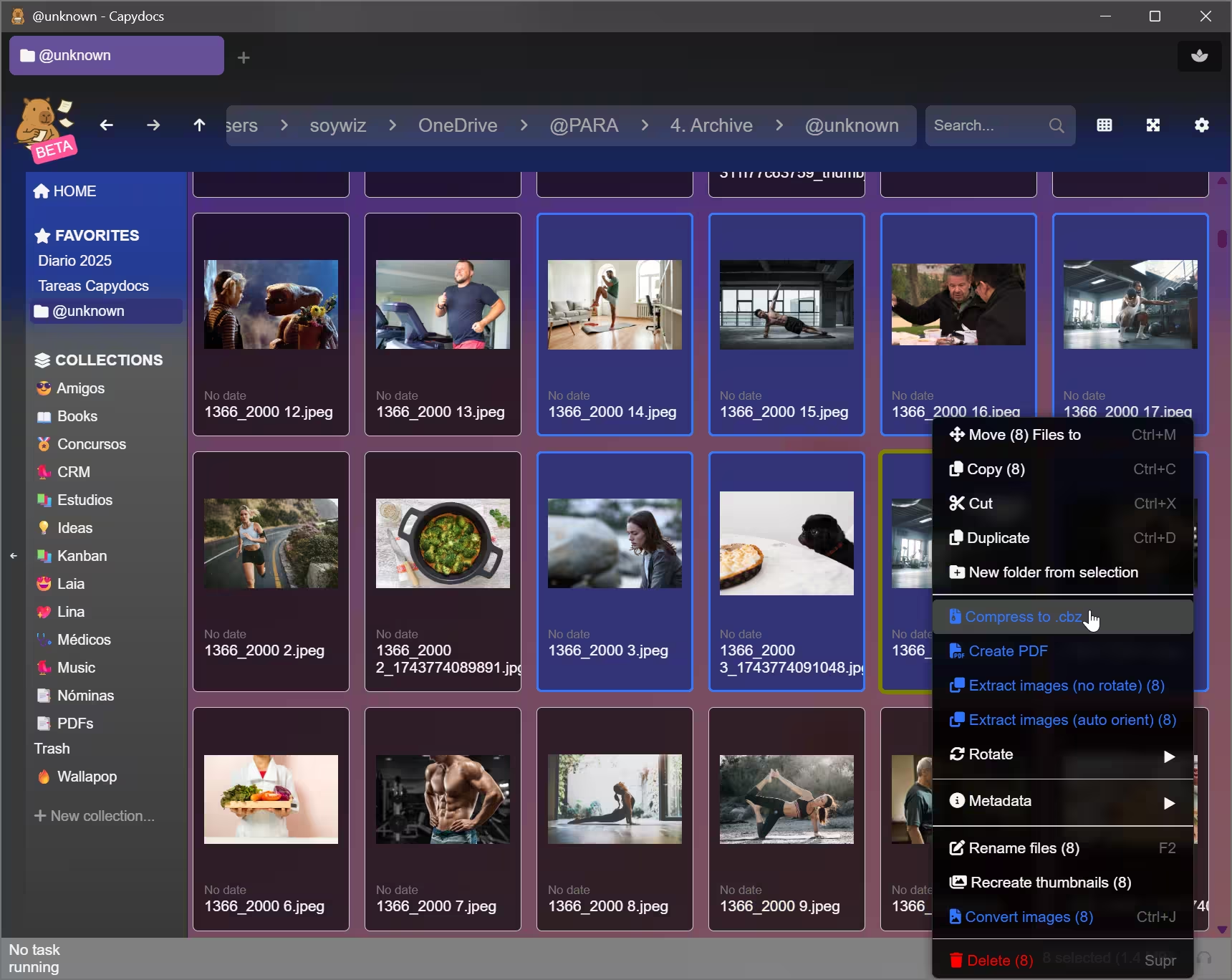
Move or tag several files simultaneously.

Inspect any file in hexadecimal format.

See your documents on a calendar view.

Manage playlists with the built-in audio player.
Edit file metadata and MP3 tags.

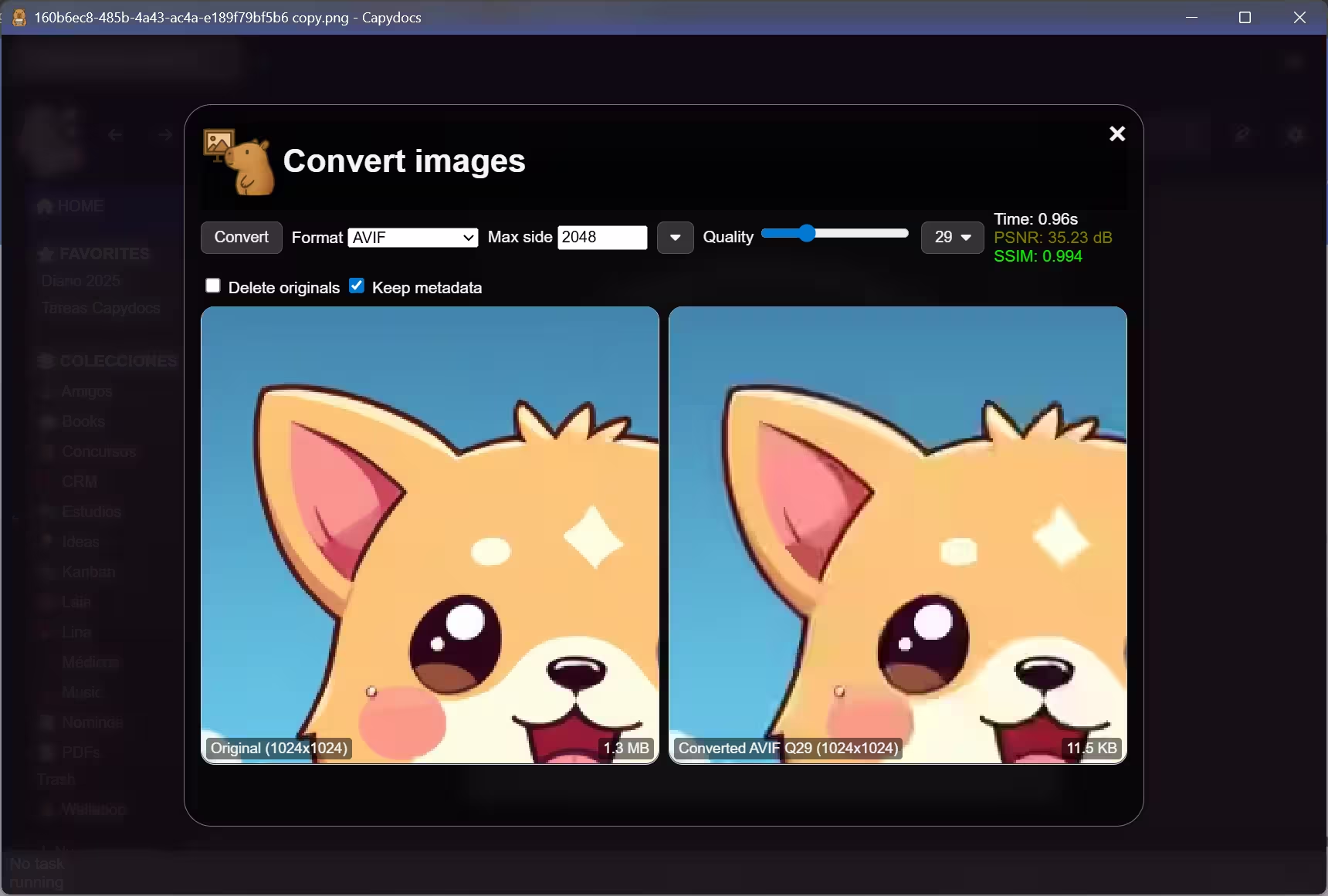
Resize or convert images to other formats.
Individually or in batch. To webp (lossy and lossless), avif, jpeg and png
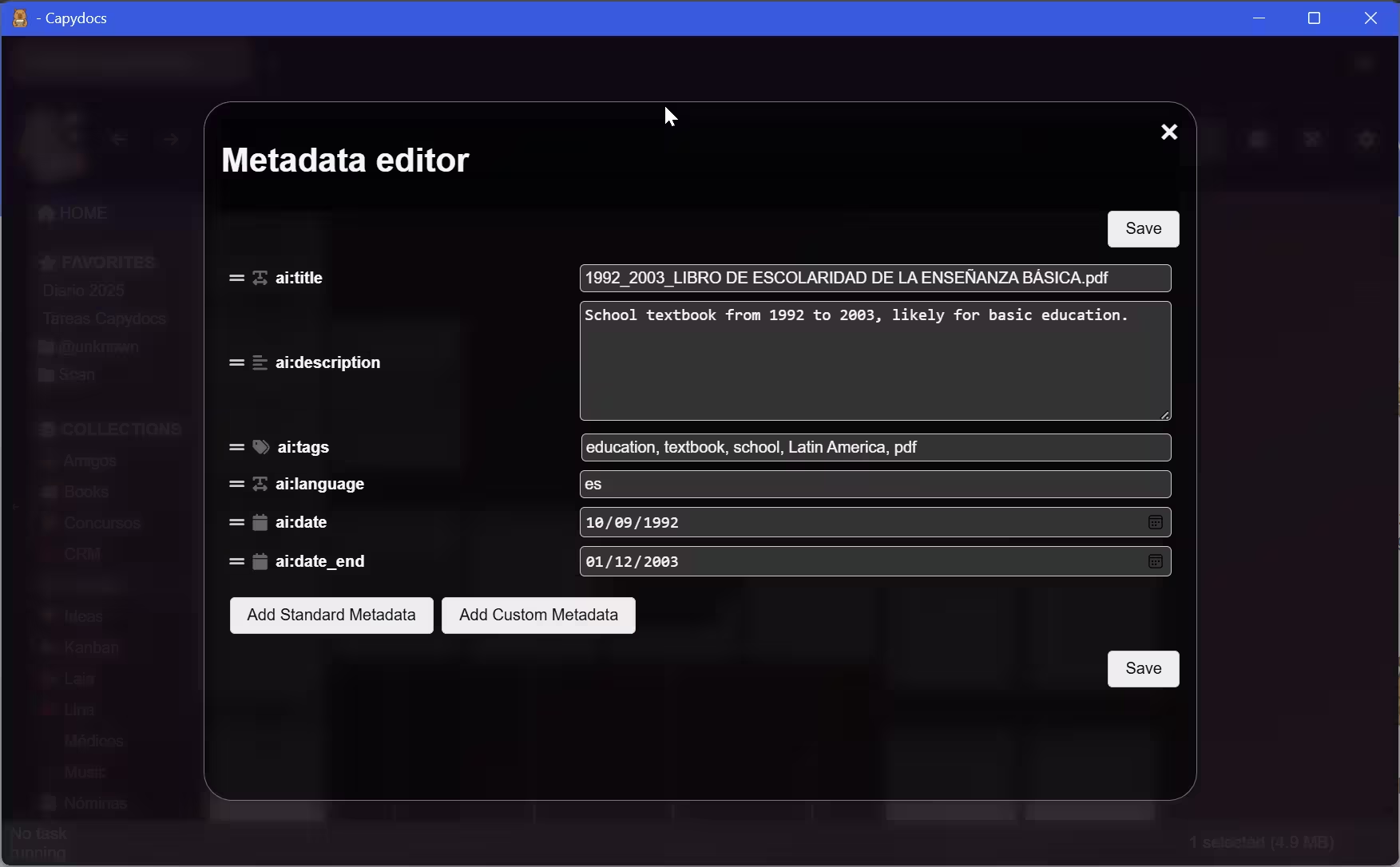
You can attach metadata to any kind of file. To avoid losing information,
the metadata is stored in a separate .meta file or as frontmatter in markdown files.
Capydocs supports generating .meta information directly from a local AI model automatically.
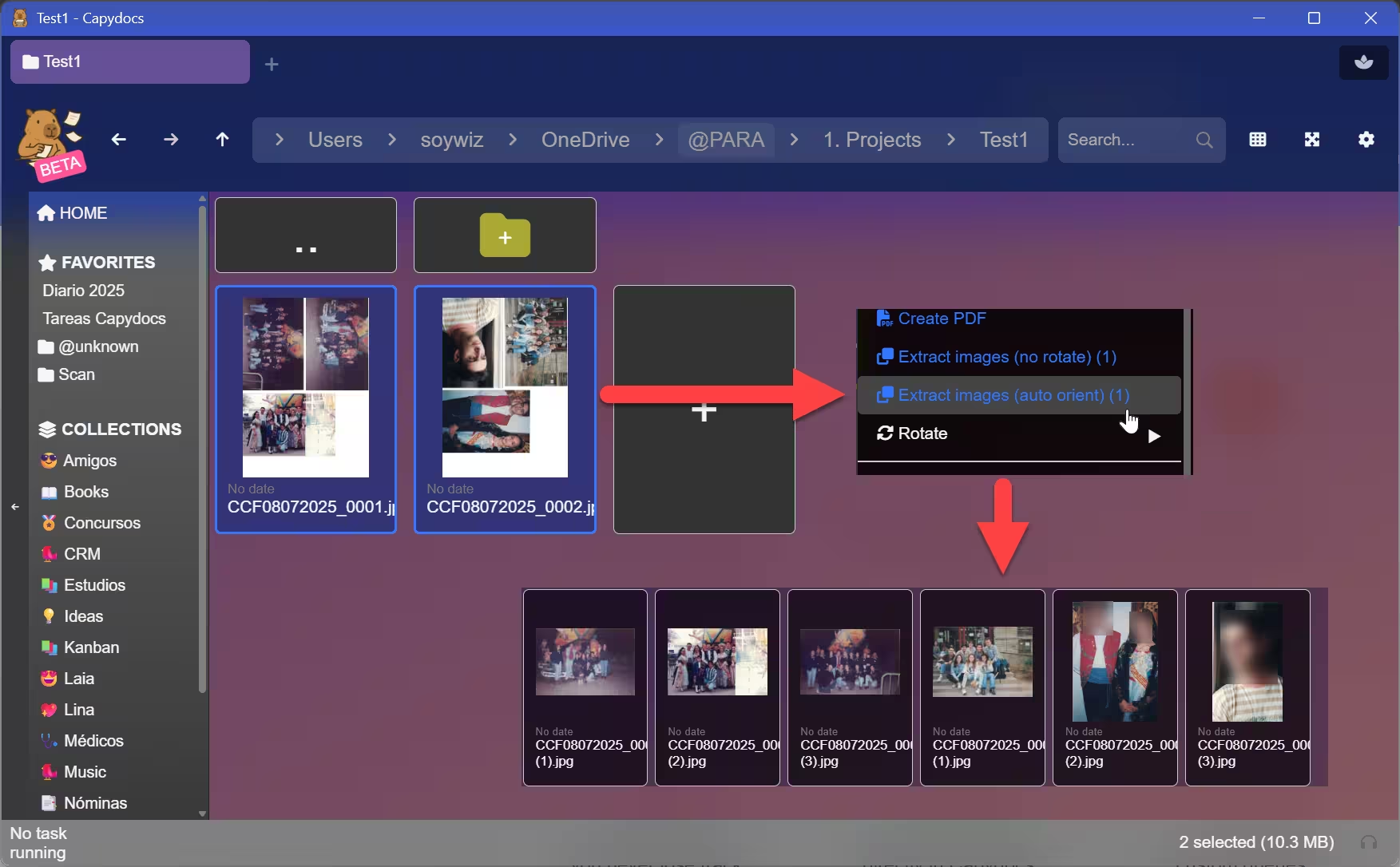
Scanned tons of photos and want to extract them. With capydocs you are covered. They will be automatically extracted and automatically rotated.
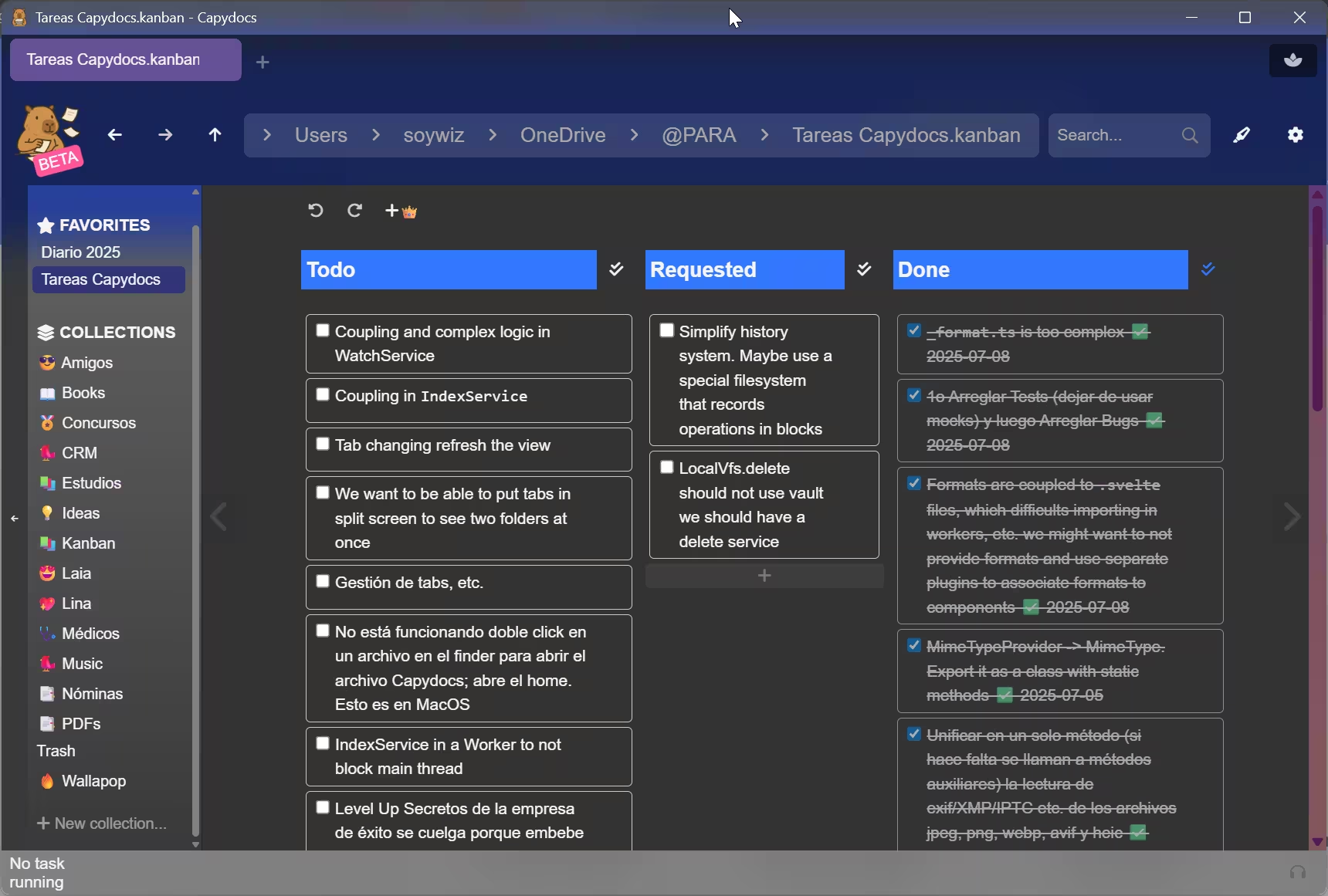
You can open those files with double click or even create shortcuts to Kanban or any other supported file.
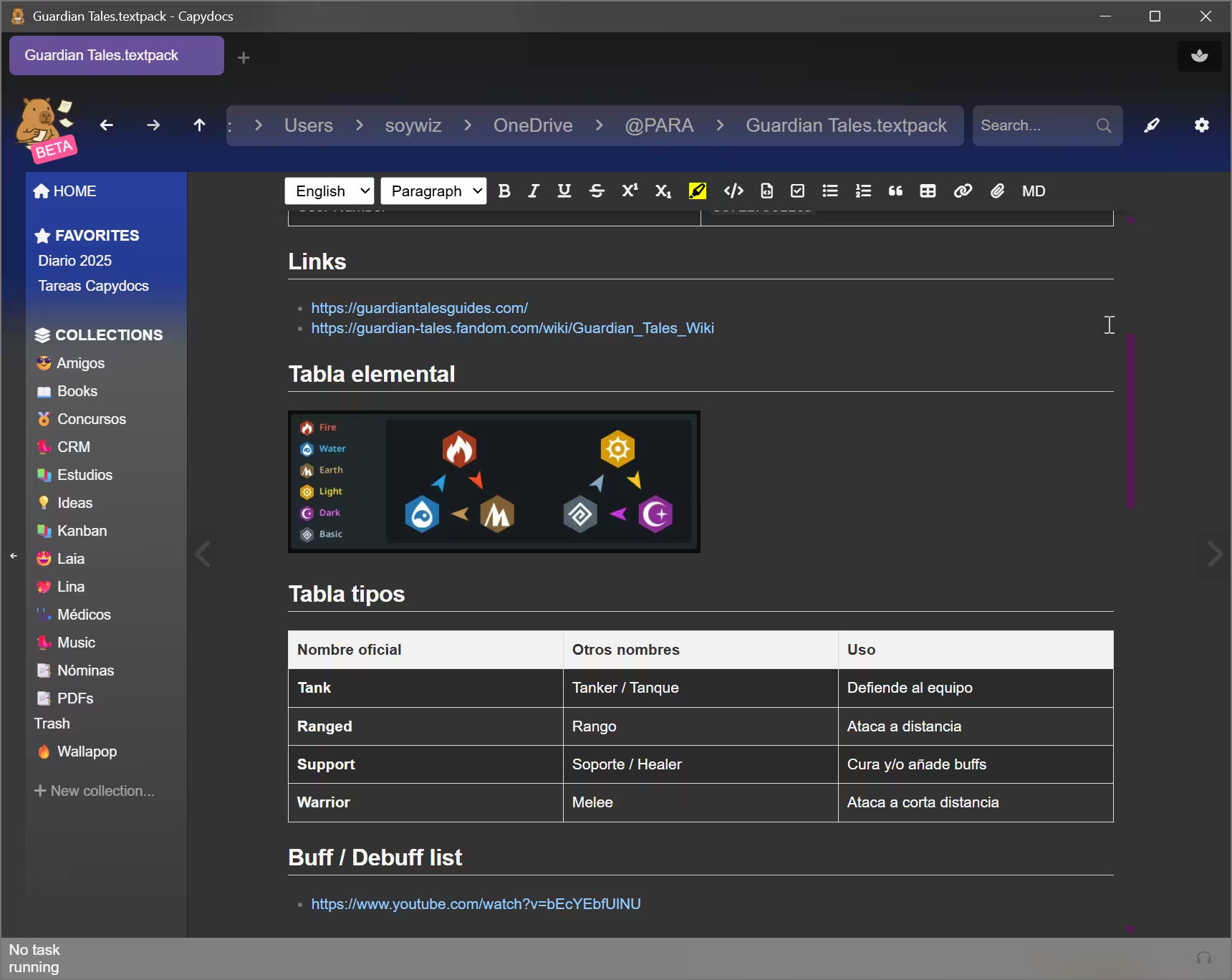
Editable Obsidian-compatible markdown. Textpack support for embedding images in a single editable markdown-based file.
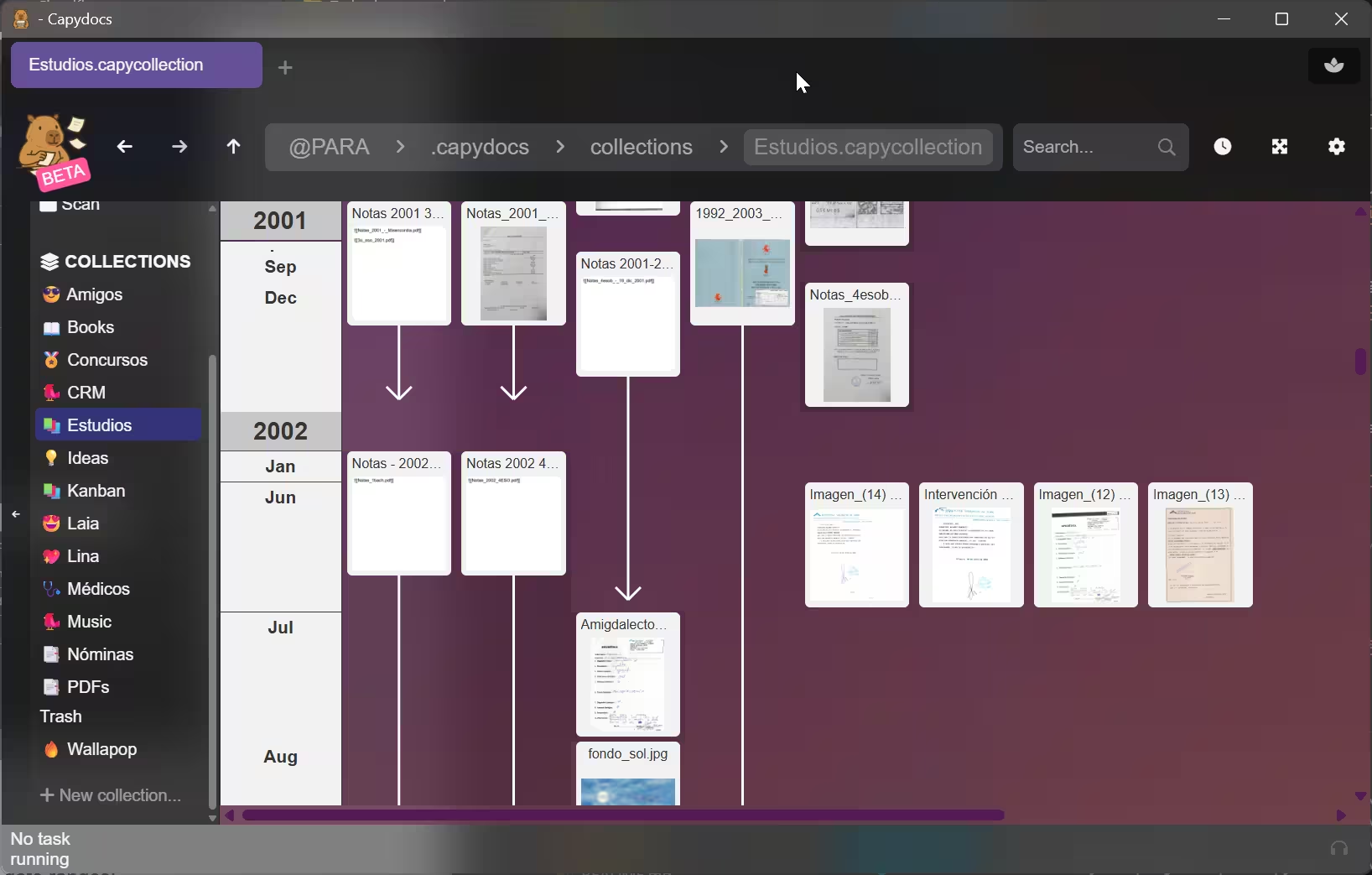
View your documents in a timeline with meta-information including date ranges!
You can visualize folders.
Filter your files based on queries to create custom collections of files.
Search your files instantly with custom queries.
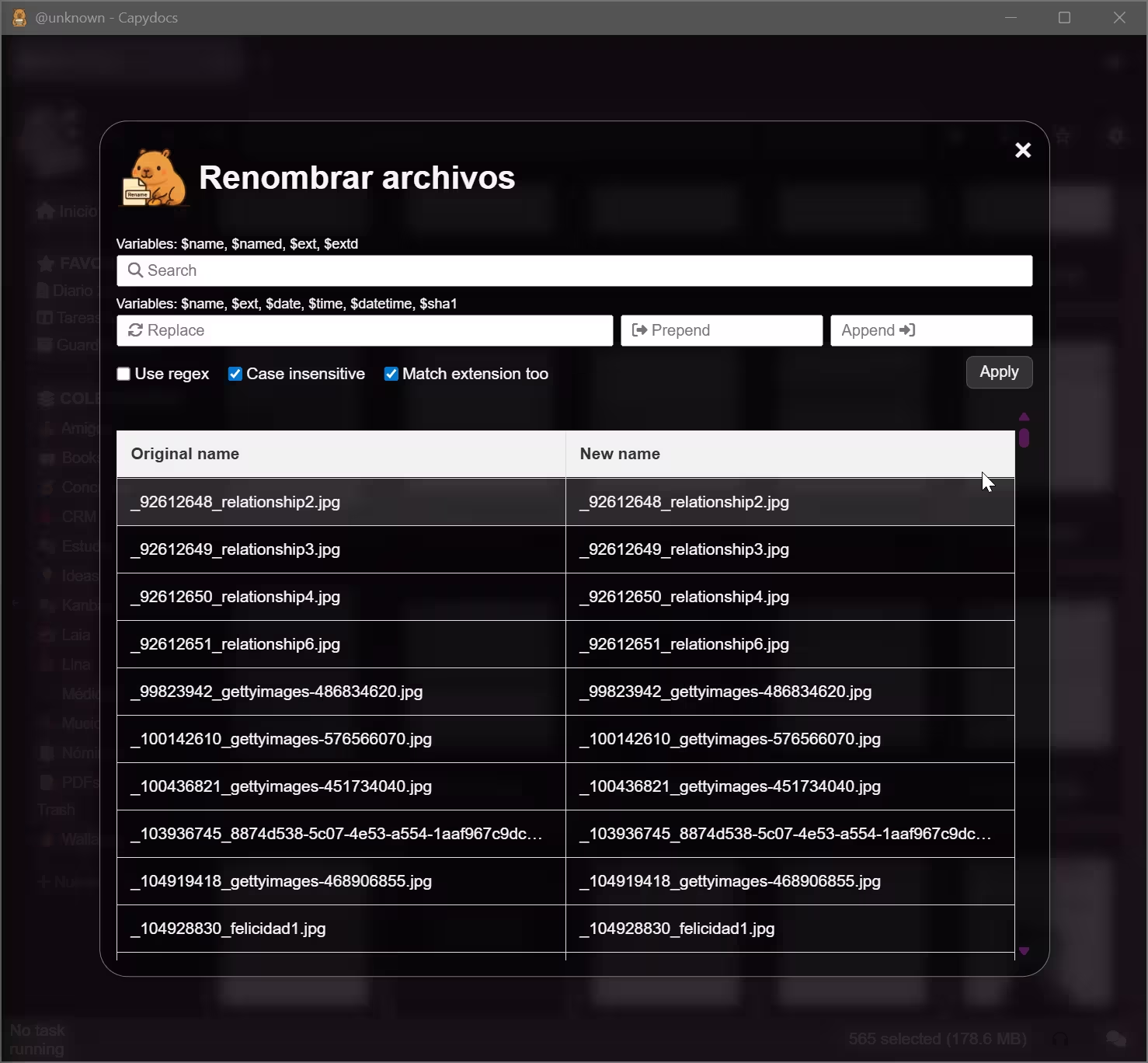
Rename files individually or in batch. Easy.
View epubs directly as long documents, and attach your Kindle highlights to them.
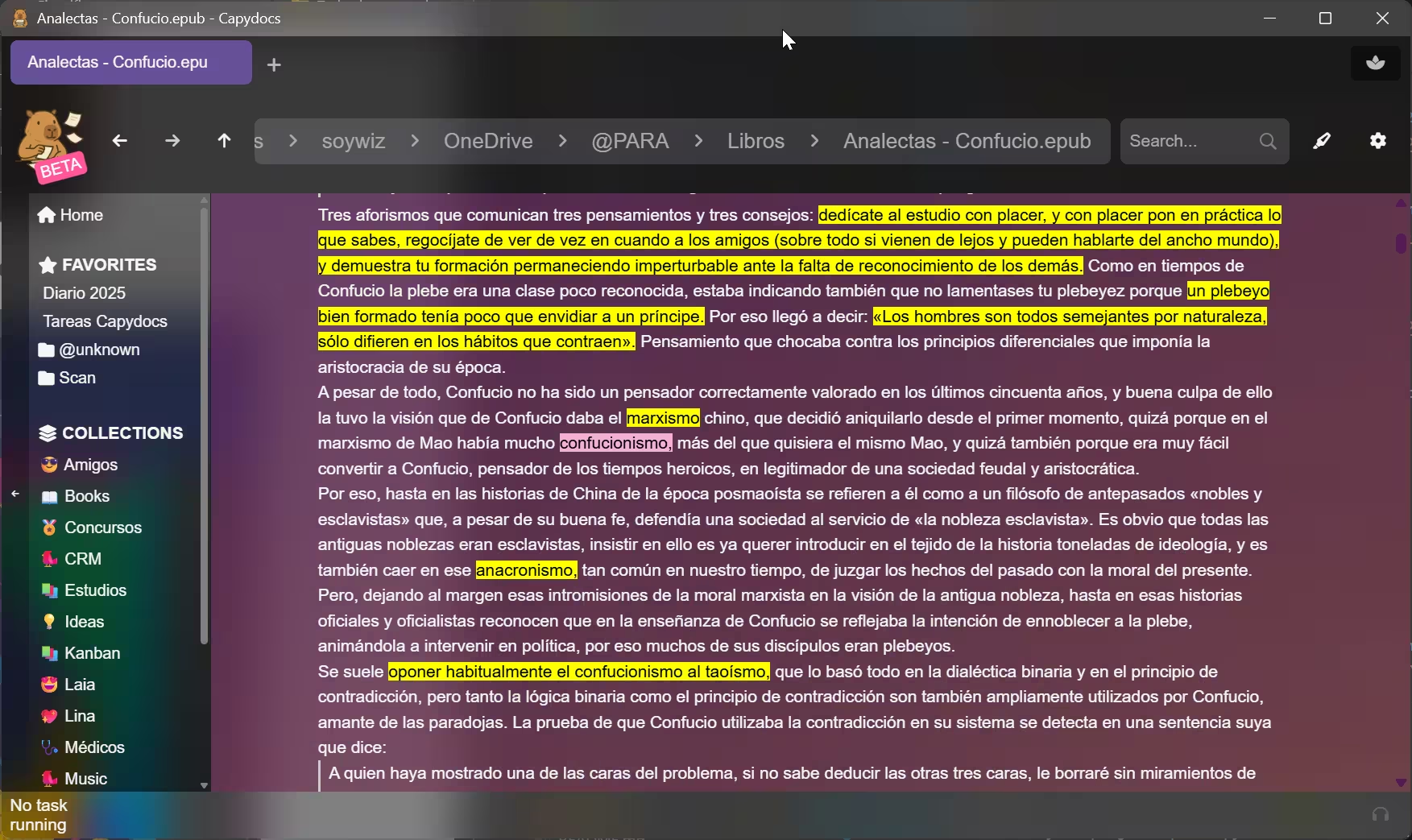
You can preview png, gif, jpeg, avif, heic, cbz, pdf, docx, epub, md, textpack... directly in Capydocs!
You can even associate any supported format to capydocs to open it with it. You can create shortcuts to specific files too.